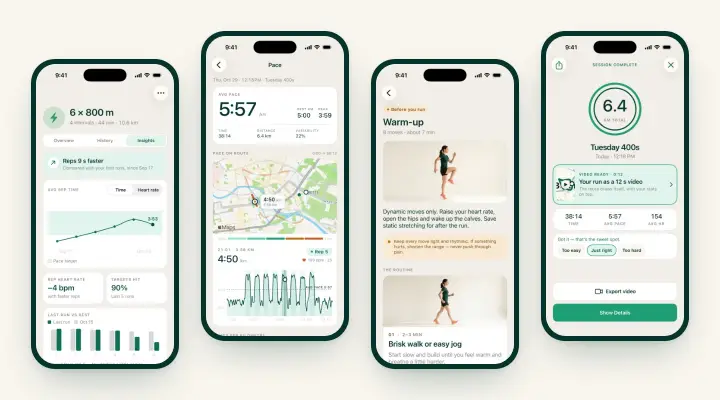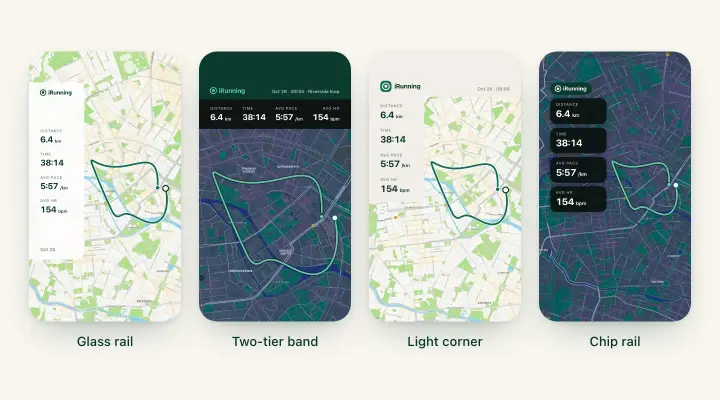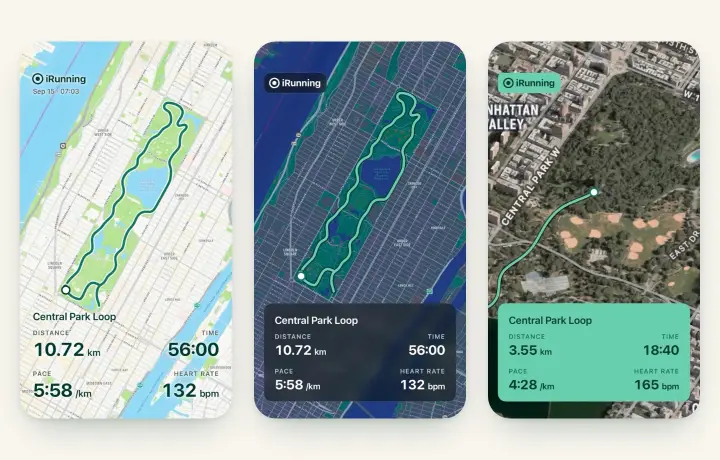
iRunning 1.2.6 is rolling out on the App Store. This update is all about training plans. First, a fix for the most common complaint we hear about plans in any app: you did the run, but not from the plan, so the session sits there unticked. From now on your plan counts every run, wherever you recorded it. Second, five new plans, which takes the catalog to 46 plans in 12 groups. Below is what’s new, how each plan is built and who it’s for.
Your plan counts every run
Until now, a plan session was ticked off only when you started it from the plan, on your iPhone or Apple Watch. Ran the same Tuesday session with the Workout app on your watch, or with a Garmin, and the plan didn’t notice.
In 1.2.6, a planned run done outside the app completes the session. That covers:
- Runs recorded with Apple Workouts on your Apple Watch.
- Garmin and Strava runs that reach Apple Health through their bridges.
- GPX and FIT files you import into History.
- Free runs started from Quick start on your iPhone or on the watch, without opening the plan.
The matching happens by itself, every time a run is saved: after a watch sync, after an Apple Health auto-import, after a file import, or when you bring the app to the front.
The two rules
The run has to pass two tests, and that’s all:
- The day. It lands on the session’s day. If there’s no session that day, the nearest pending session within three days takes it. A missed session beats an upcoming one, so a run on Wednesday closes Tuesday’s gap rather than borrowing Thursday’s.
- The volume. It covers at least half of the planned time or half of the planned distance. Twenty minutes for a planned 35-minute easy run counts. A 10-minute jog doesn’t.
A few guardrails keep the guesses honest: walk sessions accept walks or runs, but run sessions take runs only, so a dog walk never closes an interval day. One run credits one session, and each session is credited once. A paused plan never auto-credits. Treadmill runs count like any other run, with whatever distance the source recorded.
Runs started from the plan still work exactly as before, and they take priority: if a free run was credited to today’s session in the morning and you run the real plan session in the evening, the plan run takes the session back.
Where the credit came from, and how to undo it
Every credited session says where its tick came from: From Apple Health, From an imported file, From a free run or Linked by you. You’ll see it under the session in the plan’s week list and on the Done today card on Home.
Got it wrong? Two ways to fix it, both in your plan’s week list:
- Long-press a credited session and tap “Not this run”. The session goes back to pending and that run is never matched automatically again. If the credit had completed the plan, the plan reopens.
- Long-press a pending session and tap “Count a run…”. You get a list of your uncredited runs from the last two weeks and pick one by hand. No day or volume rule applies here. You know what you ran.
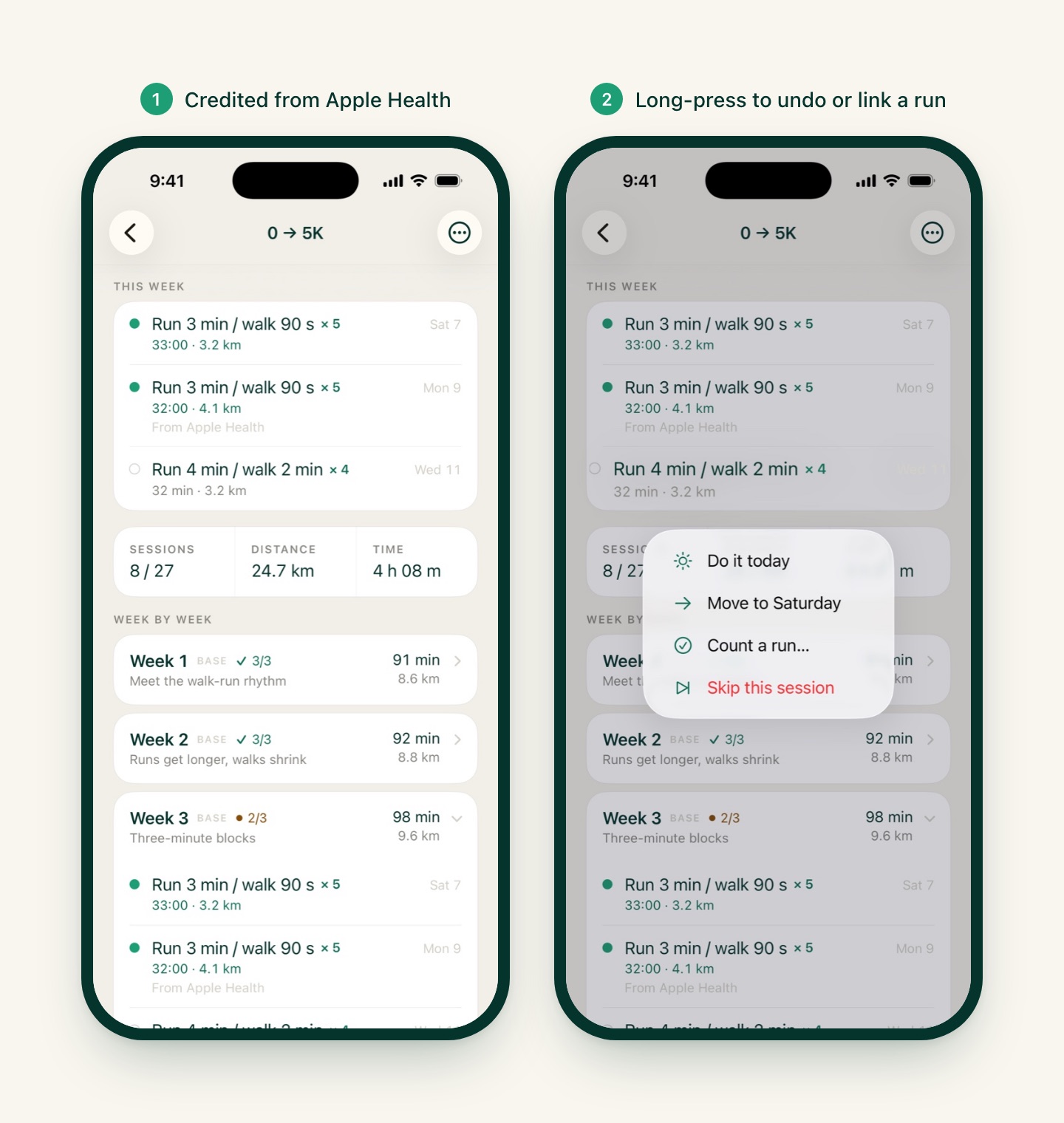
Where to find it: nothing to switch on. Open your plan from Home and the credits are already there. If you’d like Garmin or Strava runs to count, make sure they write to Apple Health and that Auto-import from Health is on in Settings › Devices. The full import walkthrough is in Moving from Nike Run Club, Strava or Garmin.
Five new training plans
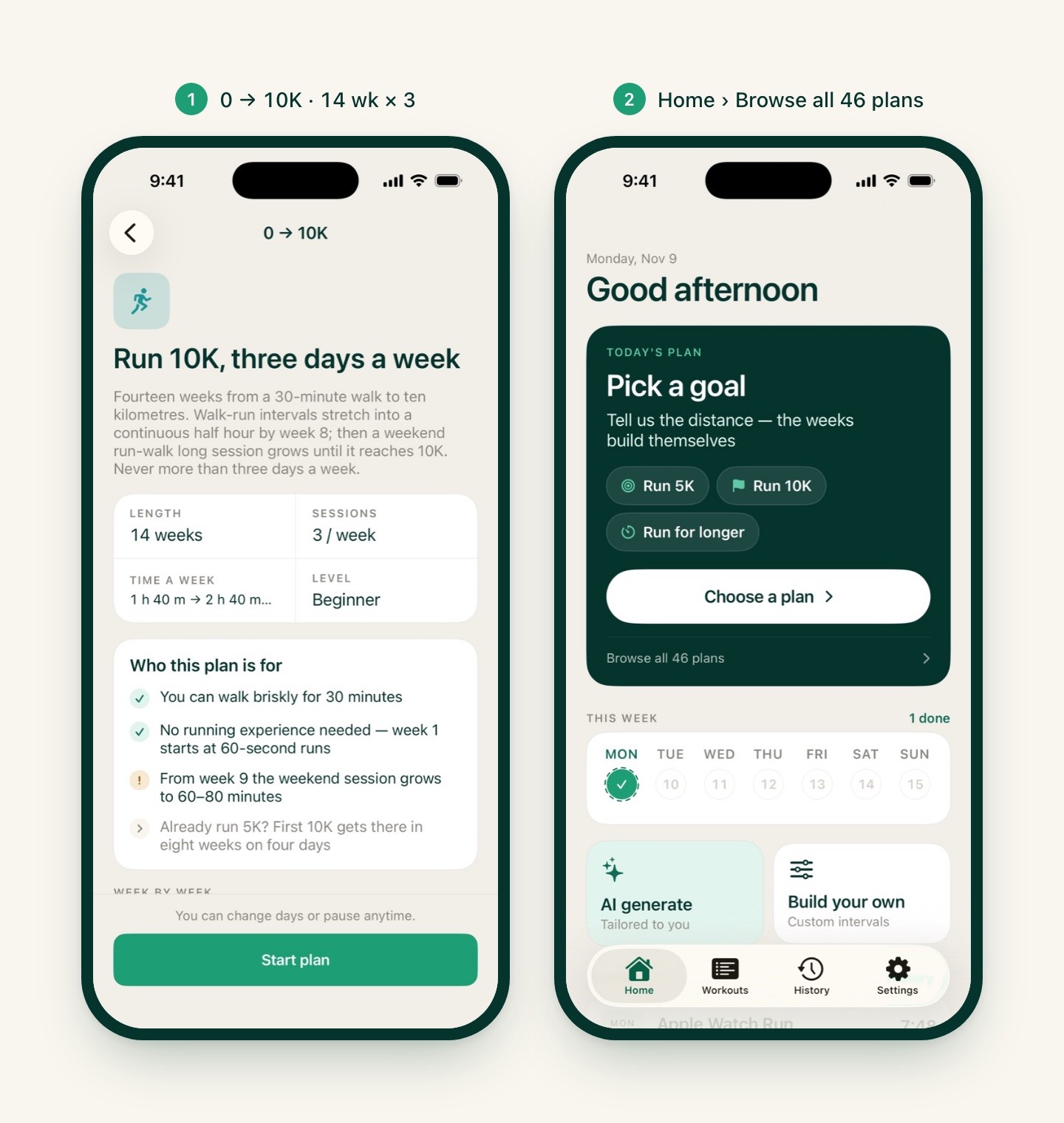
The catalog grows from 41 to 46 plans. No new groups this time; each plan fills a gap in a group that already exists. All five are part of iRunning Premium. Find them on Home › Browse all 46 plans, in the group named below.
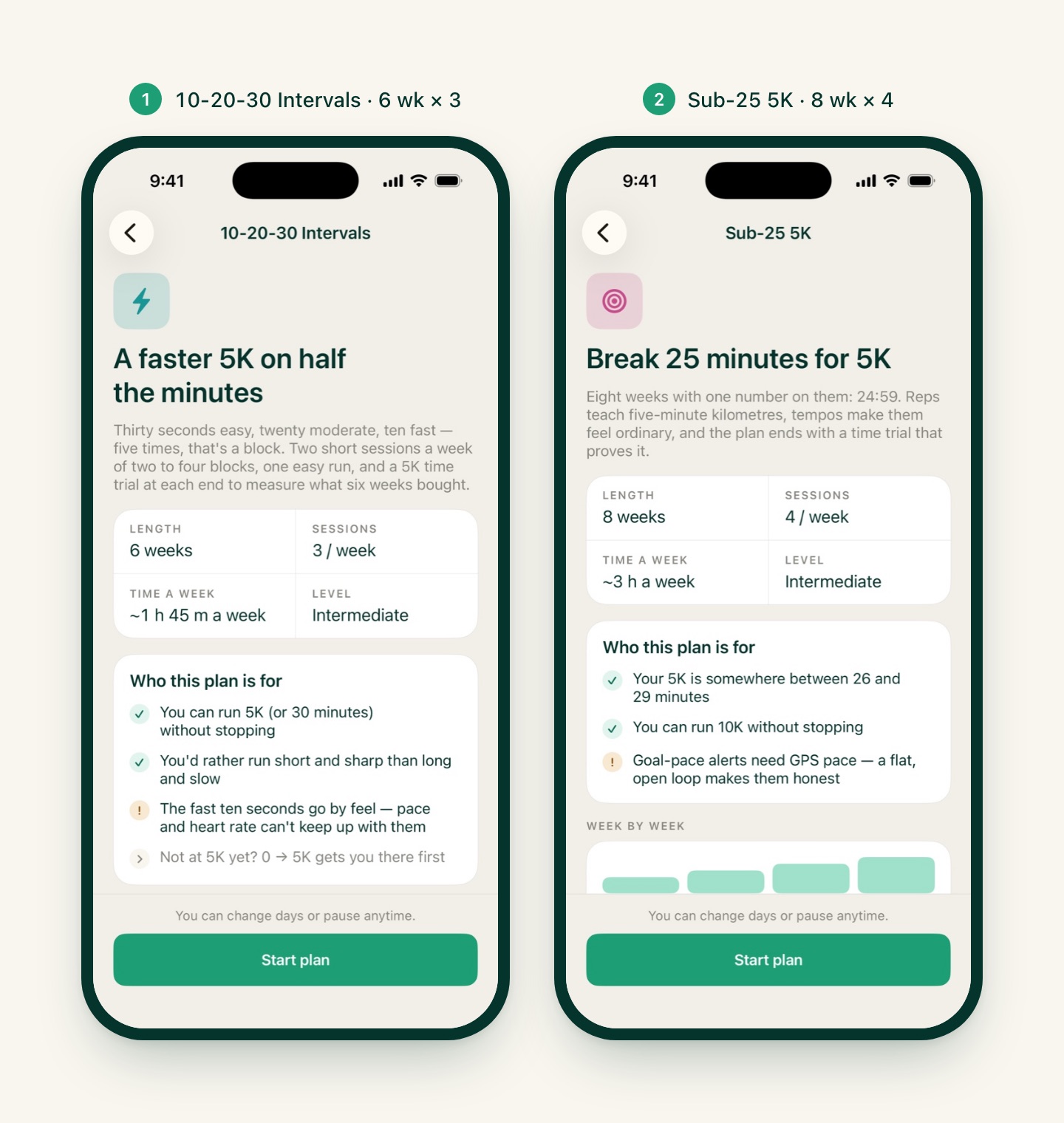
10-20-30 Intervals (Speed) · 6 weeks · 3 runs a week
This is the Copenhagen method, from Jens Bangsbo’s group at the University of Copenhagen. One cycle is 30 seconds easy, 20 seconds moderate, 10 seconds fast. Five cycles make a five-minute block, with two minutes of jogging between blocks. That’s it. No pace targets, no heart rate zones on the steps: ten seconds is too short for GPS pace or heart rate to settle, so each step is an effort word and the voice cue tells you when to change.
Why it’s worth six weeks of your life: in the 2015 Gliemann study, 160 recreational runners swapped their usual training for 10-20-30 and took 38 seconds off their 5K in eight weeks, on roughly half the mileage. It is the rare speed session that fits into a 35-minute lunch break.
How the plan is built:
| Week | Tuesday | Thursday | Saturday |
|---|---|---|---|
| 1 | Baseline 5K time trial | Easy 30 | 2 blocks |
| 2 | 3 blocks | Easy 35 | 3 blocks |
| 3 | 3 blocks | Easy 40 | 4 blocks |
| 4 (cutback) | 2 blocks | Easy 30 | 2 blocks |
| 5 | 4 blocks | Easy 40 | 4 blocks |
| 6 | 3 blocks | Easy 15 + 4 strides | 5K time trial, same course |
The plan opens and closes with a 5K time trial on the same course, so the gain is measured, not guessed. About 1 h 45 m a week. You need to be able to run 5K, or 30 minutes, without stopping. If not, the plan’s quiz points you to 0 → 5K first.
Under the hood, 10-20-30 needed something new from the interval engine: a repeat group of three steps instead of two. The run screen, the splits and the Apple Watch export all expand it like any other repeat, so on the watch you still get the same taps and the same voice cues. The same building block is now available for future plans.
Sub-25 5K (Chase a time) · 8 weeks · 4 runs a week
The second rung of the fixed-time plans, after Sub-30 5K. One number: 24:59, which means five-minute kilometres (8:03 per mile). Like every plan in the Chase a time group, the paces are fixed and become pace alerts on your run:
- Reps a touch under goal: 4:35 to 4:55 per km, depending on the rep length.
- Tempos a touch over: 5:05 to 5:20 per km.
- Goal pace itself, 4:50 to 5:00, only in the finishing blocks of long runs and in the time trial.
The week has a rep day, a tempo day, an easy day and a long run. Reps go 6 × 400 m → 8 × 400 m → 5 × 800 m → fartlek in the cutback week → 4 × 1 km → 5 × 1 km → 6 × 400 m → a 4 × 400 m sharpener. Tempos grow from 10 to 20 minutes. Long runs grow from 50 to 65 minutes, with a 10-minute goal-pace finish in week 6, and week 8 ends with a 5,000 m time trial at goal pace.
It’s for runners whose 5K currently sits between 26 and 29 minutes and who can run 10K without stopping. Under 26? The quiz sends you to Faster 5K. Slower than 29? Sub-30 first. Milestones: first kilometre at goal pace in week 2, a 20-minute tempo in week 6, the trial in week 8.
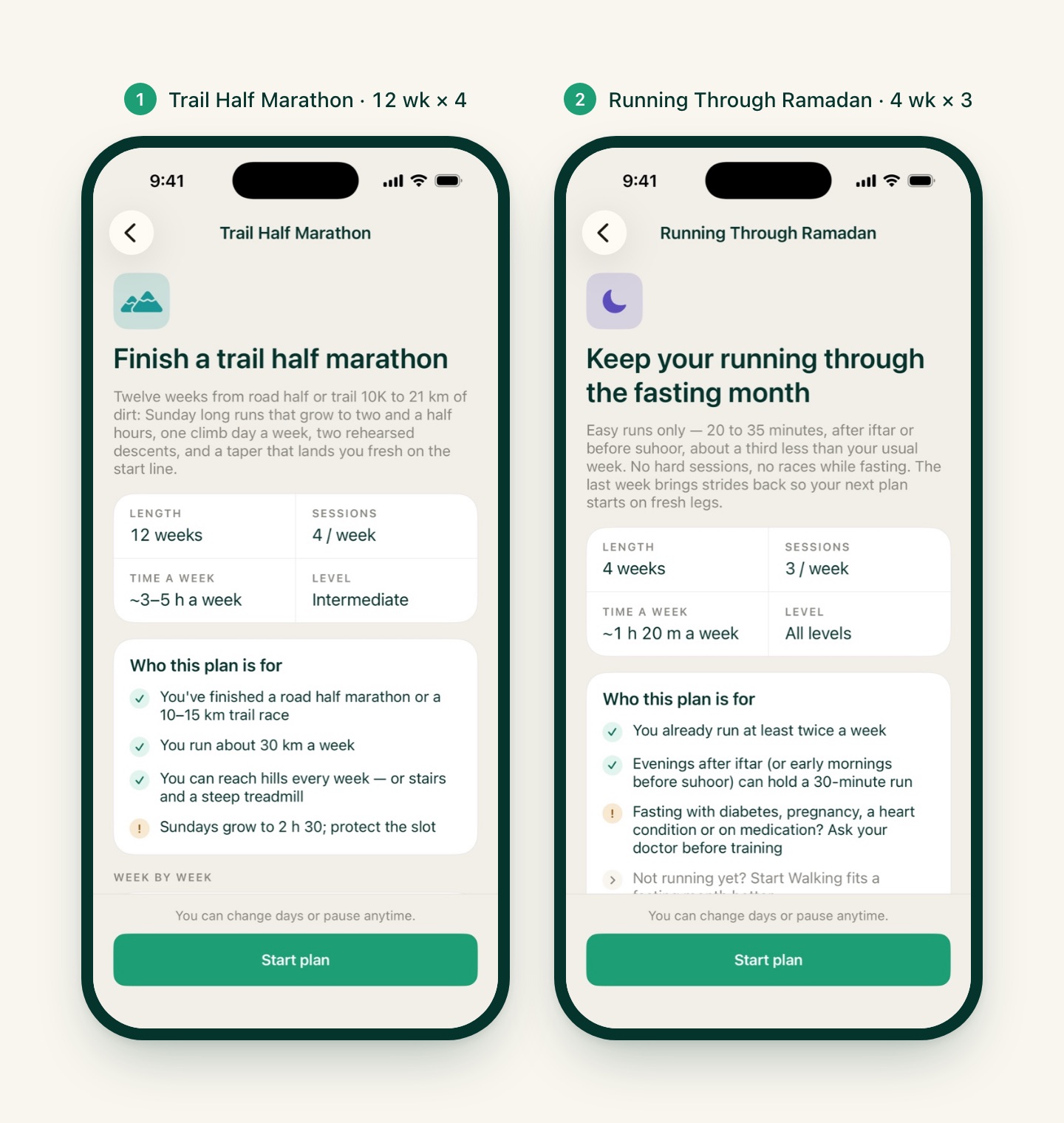
Trail Half Marathon (Trail) · 12 weeks · 4 runs a week
Until now the Trail group jumped from First Trail Race (10 to 15 km) straight to First 50K, whose entry gate asks for “a marathon or a trail half”. This is the missing rung.
Like the other trail plans, everything is by time and effort, never pace. A kilometre uphill and a kilometre downhill are not the same kilometre, so Sundays are measured in minutes and midweek sessions in heart rate zones and effort words.
- Sunday long runs grow from 75 minutes to 2 h 30 in week 9, with cutbacks in weeks 4 and 8, then a taper that trims about 40 percent off the peak. Race day is the last Sunday, planned at about 2 h 45 for 21.1 km.
- Thursday is the climb day, alternating short uphill reps (6 × 2 min, 5 × 3 min), one long climb of 25 to 40 minutes, hiking intervals and a trail tempo.
- Two rehearsed descents, in weeks 6 and 10. The second lands exactly 14 days out. One hard downhill run protects your quads from the next one for a couple of weeks, which is why it sits there and not later.
You need a road half or a trail 10 to 15K behind you, about 30 km a week, and hills you can reach weekly. Stairs or a steep treadmill will do. If your race has more than 1,000 m of climbing, finish this plan and then let Trail: Hills & Vert turn the climbing up.
Running Through Ramadan (Health & lifestyle) · 4 weeks · 3 runs a week
A plan for runners who fast. The month is treated as a maintenance block: three easy runs a week of 20 to 35 minutes, each wrapped in a 3-minute walk in and out, scheduled after iftar or before suhoor. Nothing hard, no racing. About a third less than a normal week.
- Weeks 1 and 2 (Settle in): 20, 25, 25 minutes, then 25, 25, 30.
- Week 3 (Hold): 25, 30, 35.
- Week 4 (Ease back): 25, 25, and a 24-minute run with four strides, the bridge back to your normal plan.
Every week’s coaching line offers the walk option: turn any part of the run into a walk and the session still counts. Effort replaces pace throughout, because an evening run after a day without water feels harder than the watch says. The plan asks you to check with your doctor first if you fast with diabetes, a heart condition, during pregnancy or on medication, and if you don’t run yet, it points you to Start Walking instead.
Ramadan 2027 is expected to begin around 8 February. The plan is in the catalog all year, so you can start it whenever your month starts.
0 → 10K (Learn to run) · 14 weeks · 3 runs a week
The most requested beginner plan after 0 → 5K itself. Our existing First 10K plan assumes you already run 5K and asks for four days a week. This one starts from a 30-minute walk and never asks for more than three days.
- Weeks 1 to 8 are the 0 → 5K ladder, session for session. Week 1 starts with 60-second runs and 90-second walks. The first 5-minute run comes in week 4, the first nonstop 20 minutes in week 6, and week 8 finishes at a continuous 28 minutes.
- Weeks 9 to 14 keep two easy midweek runs of 25 to 35 minutes and add a weekend run-walk long session: 9 minutes of running, 1 minute of walking, repeated 3 → 4 → 5 → 3 (cutback in week 12) → 6 times. You pass 6K in week 11.
- Week 14 is graduation: 10 km as a run-walk, capped at 90 minutes. Run-walk is not cheating. It’s how most people run their first 10K, and it’s how a lot of people run their fastest one.
Already running a little? The quiz lets you start at week 5, 8 or 9. If you can run 5K nonstop, you start at week 9 and are six weeks from 10K.
Which one is for you?
| If you… | Start with |
|---|---|
| Can walk 30 minutes and want to run 10K | 0 → 10K |
| Run 5K and have 35 minutes, not an hour | 10-20-30 Intervals |
| Run 5K in 26 to 29 minutes | Sub-25 5K |
| Have run a road half and love dirt | Trail Half Marathon |
| Fast during Ramadan and want to keep running | Running Through Ramadan |
Every plan in iRunning can be paused, a session can be moved and a week restarted, so a bad week doesn’t end the plan. That part is covered in Life Happens: Pause, Move or Skip a Training Day.
Also in 1.2.6
- Apple Health import now records whether a run was indoors, so treadmill runs imported from Health show up as indoor runs in History.
- All five plans and the new plan credits are translated into every language the app speaks.
How to get it
Update to iRunning 1.2.6 on the App Store (if the update isn’t showing yet, it will within a day or two). If you’re in the middle of a plan and ran a session with your watch’s Workout app or a Garmin last week, open the plan: the credit may already be waiting under the session. Then have a look at Browse all 46 plans and pick the next one.
Missed the last update? iRunning 1.2.5 added the Insights tab that tracks your reps across runs, the Pace screen with scrub-to-map, and warm-up and cool-down guides.
Thanks for running with us. Keep the feedback coming!